
In transit
Containers currently at sea.
Add the container once. Pacha tracks it with the carrier and puts late shipments at the top of the list.
Which containers are late, and by how long?
Check each carrier site to find an update
See every container in one list that updates itself
Copy a new arrival estimate into a spreadsheet
See the latest estimate on the order
Hear about a delay after someone else spots it
See late shipments first, with the reason and port
Mix planned dates with actual dates
Compare planned and actual departure and arrival dates
Guess what a normal transit time looks like
See the average transit time for shipments in progress
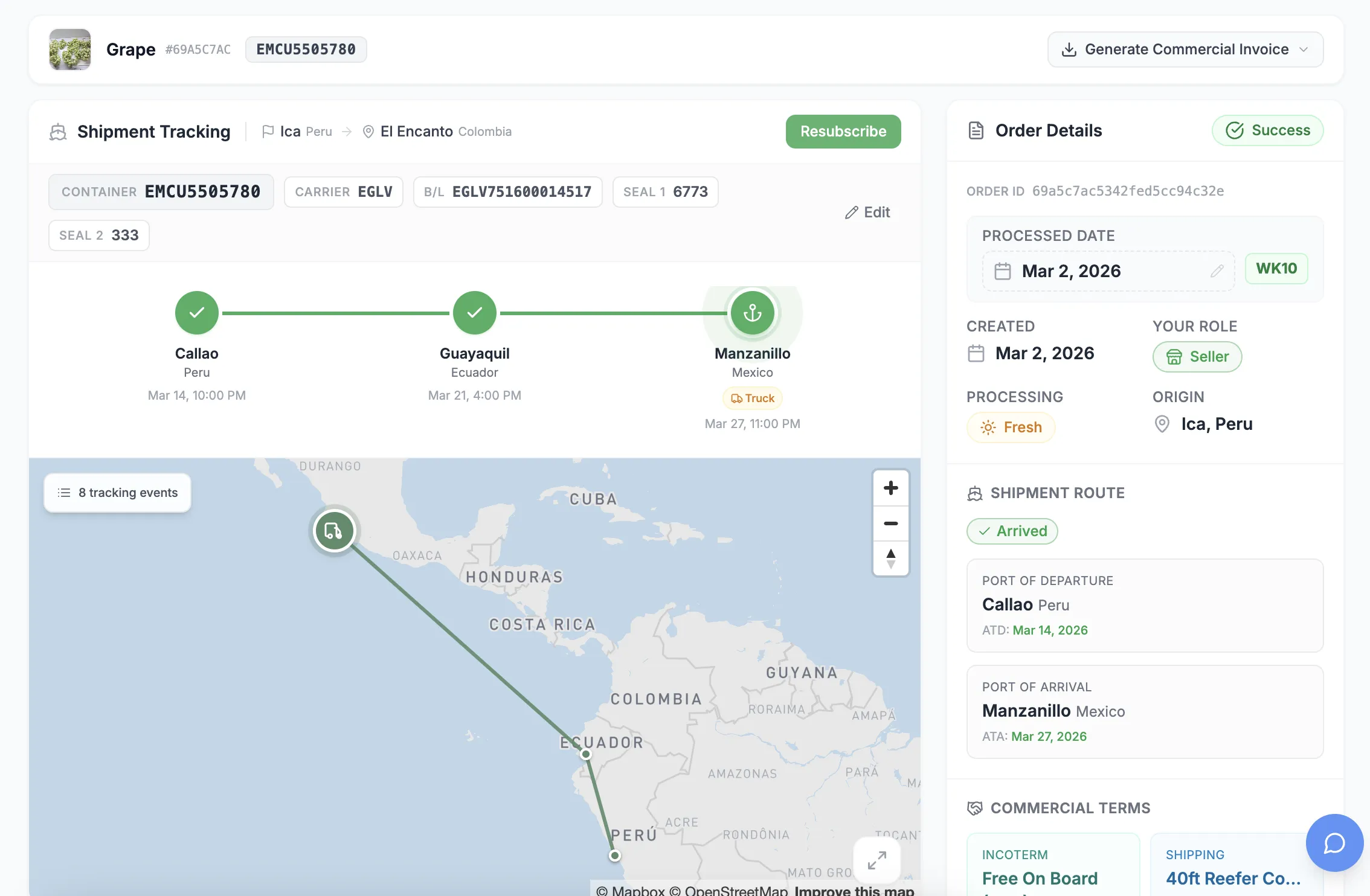
Enter the carrier and container or booking number on the order.
See when it is loaded, departs, transfers, and arrives.
Containers running behind their planned arrival appear at the top.
Payments tied to arrival use the actual date, not the estimate.
Containers currently at sea.
Shipments arriving soon so you can prepare invoices.
Shipments past their planned arrival date.
The average travel time for your current shipments.
Create the order, add your team, and keep every update together. Start free with no credit card.