
Start with basic access
An invited partner can chat and read documents. You choose any extra access.
Keep shipment details, documents, payments, and messages on the order. Choose what each person can see.
What is happening with this order, and who can see it?
Ask around for the latest shipment details
Everyone works from the same live order
Reconcile versions of the same spreadsheet
See boxes, kilos, prices, and balances in one view
Check carrier sites separate from the order
Keep container status beside the shipment details
Hunt through folders and inboxes for documents
Keep documents on the order and control access
Match payments and settlements by hand
See each payment and settlement on its order
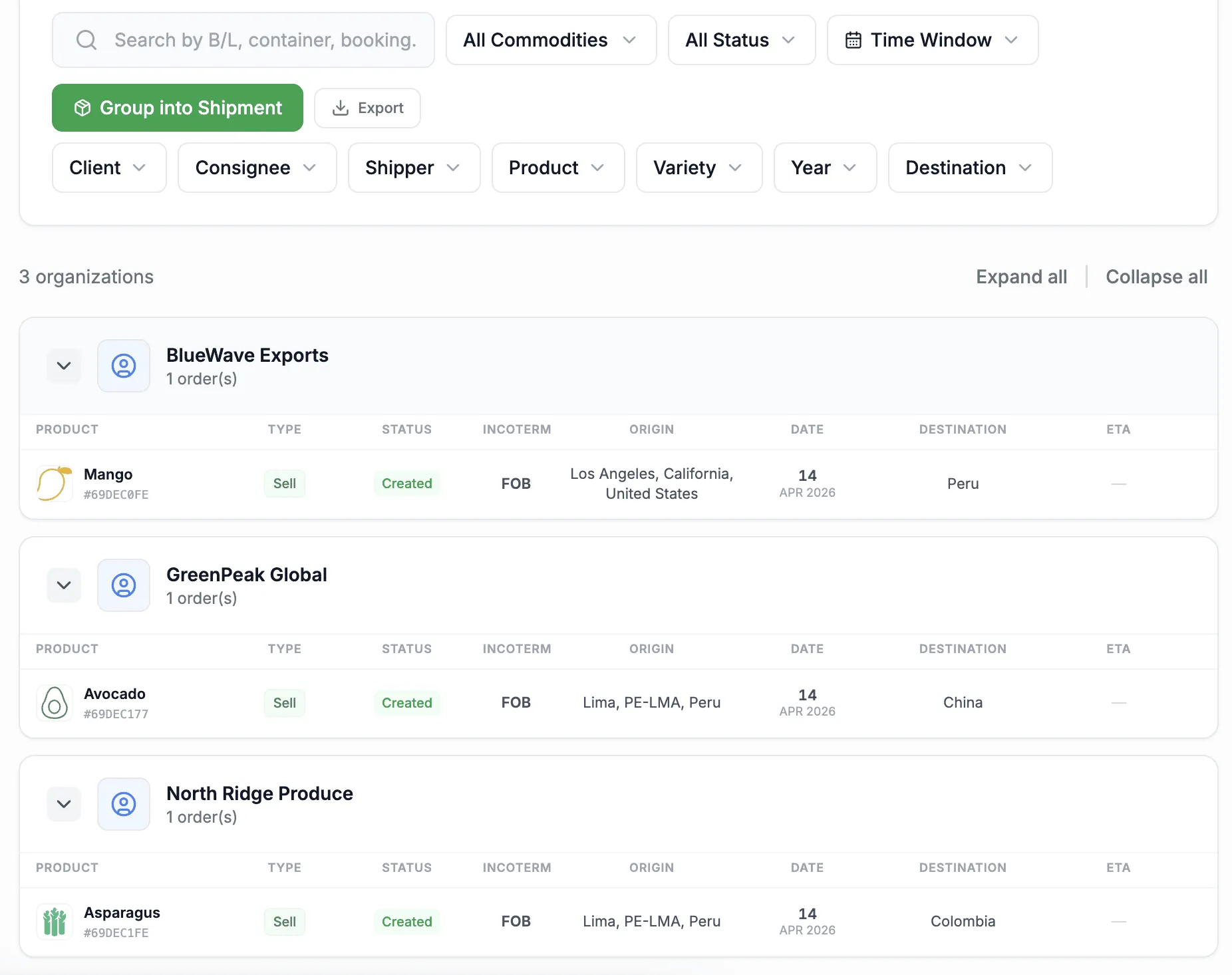
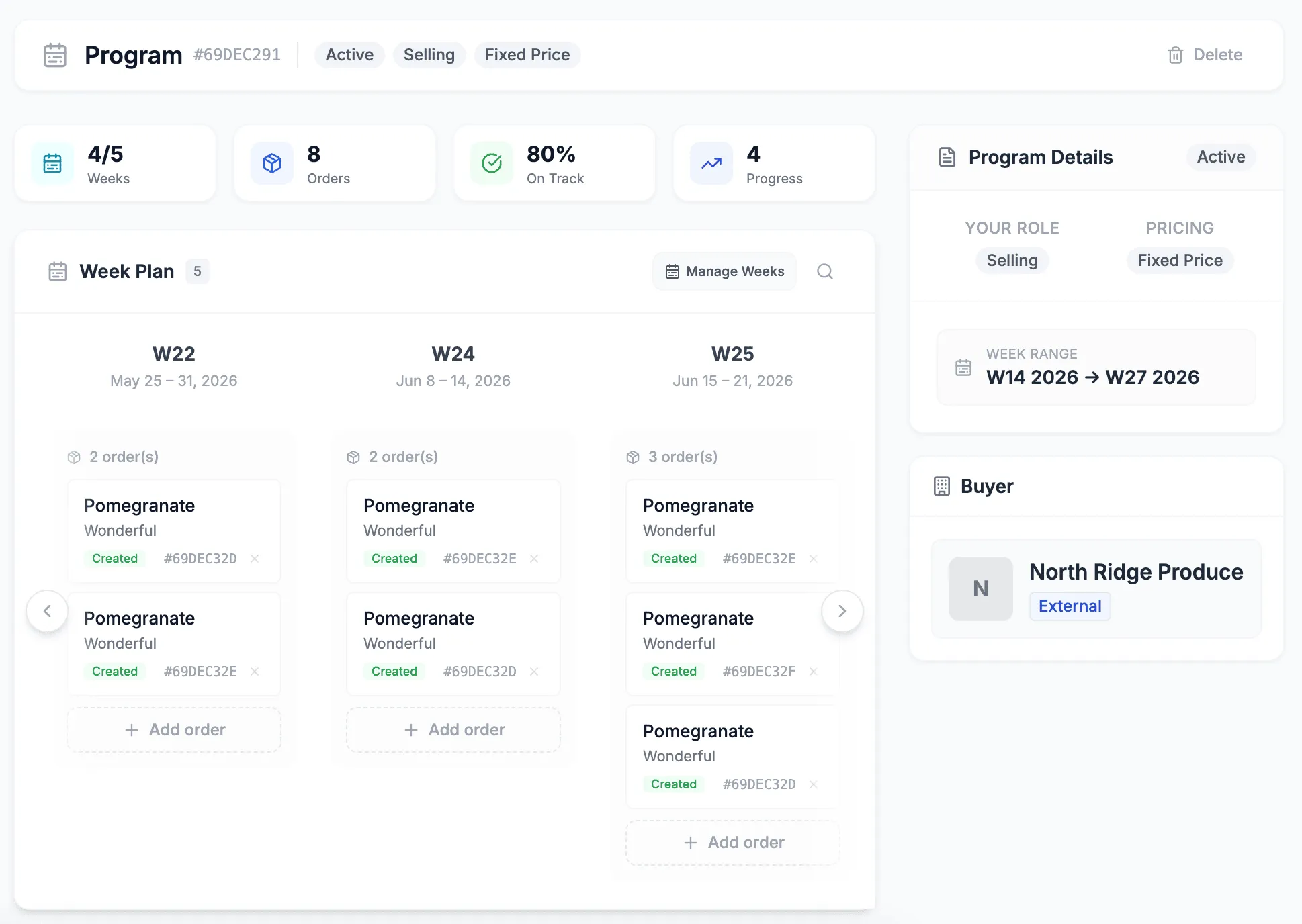
Add the shipper, product, variety, destination, and shipping week.
Invite the client, producer, customs agent, forwarder, inspector, or cold store.
Give each person access to the details they need. Prices and contacts stay private by default.
Carrier updates, documents, and payment balances appear on the order.
An invited partner can chat and read documents. You choose any extra access.
A forwarder can handle a shipment without seeing its price.
Names and contact details stay hidden until you choose to share them.
Share a document with everyone on the order or just the main parties.
Sort, filter, and edit orders in the table.
See each partner’s orders and balance together.
See what is due to ship and what still needs to be assigned.
Share a link to the exact view you are using.
Create the order, add your team, and keep every update together. Start free with no credit card.