Balances are checked again
When you approve, Pacha records the entries and recalculates the balances.
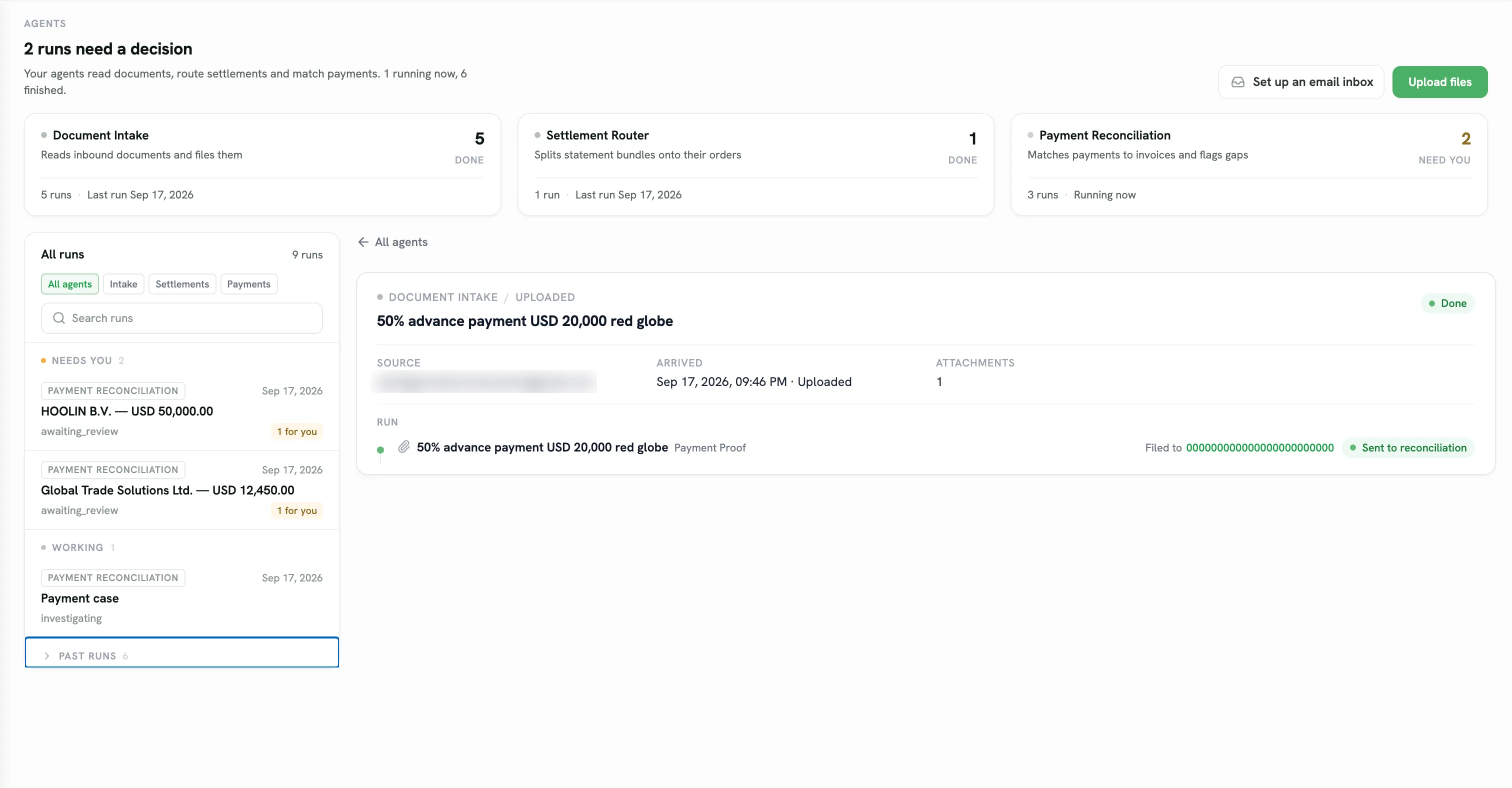
Pacha reads documents, splits settlements by order, and suggests payment matches. You approve each draft before it is saved.
Which items still need my review?
Retype every line from a settlement sheet
Upload the batch and get one draft per order
Match bank transfers to invoices by hand
Review Pacha’s suggested matches
Interpret a new supplier layout each time
Have Pacha find the same details across layouts
Discover a wrong entry after it is saved
Check uncertain details before anything is recorded
Spend the day on routine entry
Spend your time on the exceptions that need judgment
Add settlement sheets, invoices, or a bank statement in one batch.
It finds amounts, payers, invoice numbers, and fees. It flags anything it is unsure about.
It finds the matching order and shows where each amount will go.
Approve to save the entries, or reject them with a note.
When you approve, Pacha records the entries and recalculates the balances.
Pacha marks details it is less sure about so you can check them first.
For example, Pacha can identify a $35 bank fee.
If Pacha cannot find an order, you choose the right one.
Base it on when the documents are ready or the ship arrives. Pacha sets the date when that happens.
Add invoices and shipping documents to the order. Choose who can see each file.
Pacha reads attachments and adds their details to the right order.
A settlement file covering four orders becomes four separate records.
Pacha suggests which invoice and payment each transfer belongs to.
All three assistants put work that needs your attention in one place.
Create the order, add your team, and keep every update together. Start free with no credit card.