
Rebuild the answer
Search emails, open spreadsheets, decide what counts, and hope the figure is still current.
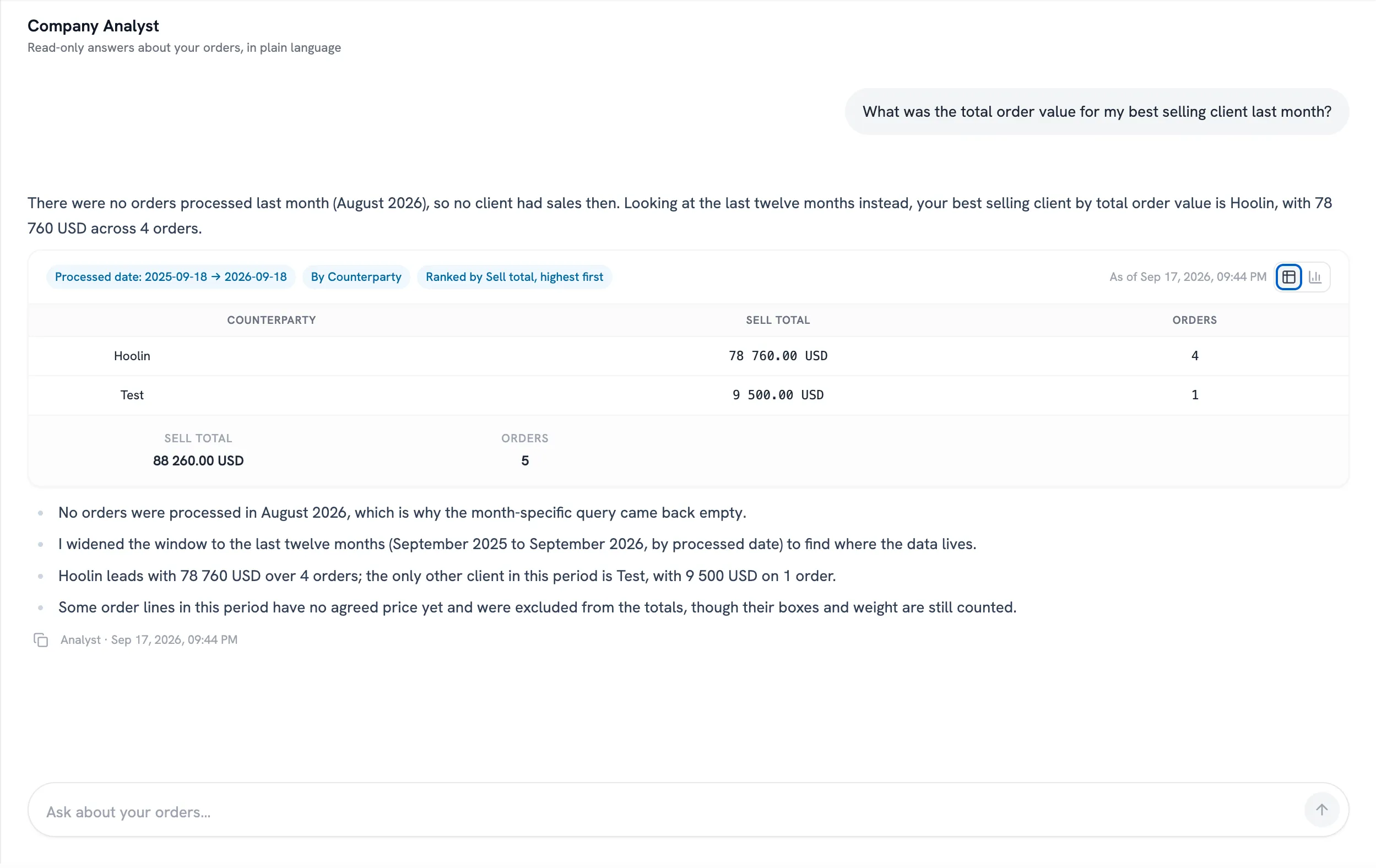
Ask a question in your own words. See the matching orders, filters, totals, and time of the search.
What did we ship to Ventura this summer, and what is still unpaid?
Search emails, open spreadsheets, decide what counts, and hope the figure is still current.
Ask the question. See every filter, all matching orders, separate currencies, and the time Pacha checked the data.
For example: "Show me Ventura blueberry orders from June to August."
Pacha asks for the client, product, quality, or date when it needs them.
It can read your orders but cannot change or delete them.
See the filters, the time of the search, and the totals.
Pacha asks for the details it needs before searching.
See exactly which client, product, quality, and dates the answer covers.
Totals cover all matching orders. Different currencies stay separate.
See when the answer was calculated so you can compare results.
Create the order, add your team, and keep every update together. Start free with no credit card.